![Docketbook-logos_reverse-horizontal.png]](https://help.docketbook.com.au/hs-fs/hubfs/Docketbook-logos_reverse-horizontal.png?height=40&name=Docketbook-logos_reverse-horizontal.png)
NOTE: To be able to assign others to a Job you need to have either Administrator or Super User access. For more information on user roles, click here.
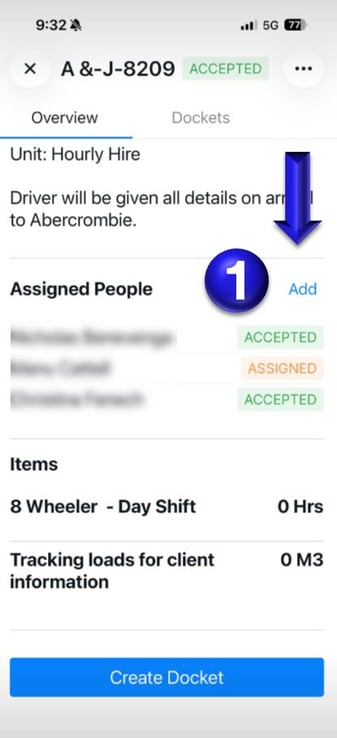
1. When you open the Job in the Docketbook app, scroll down to the
"Assigned People" section and click "Add".
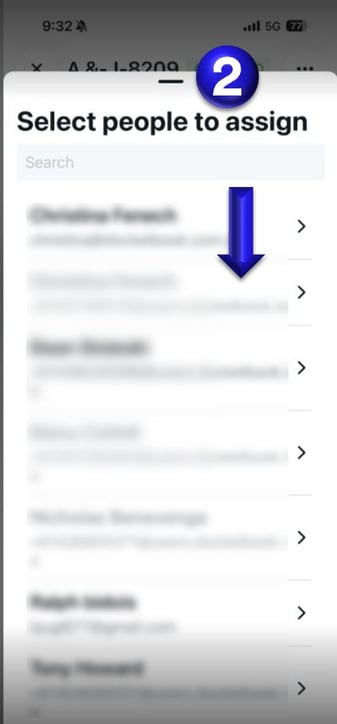
2. From here, you'll then be able to assign a User from your company to the Job.
If you need any further help, please contact support@docketbook.com.au