![Docketbook-logos_reverse-horizontal.png]](https://help.docketbook.com.au/hs-fs/hubfs/Docketbook-logos_reverse-horizontal.png?height=40&name=Docketbook-logos_reverse-horizontal.png)
NOTE: To access the Invoicing section, you must be either an Administrator, Super User, or have the required permissions for Invoicing for your Docketbook company. For more information, click here.
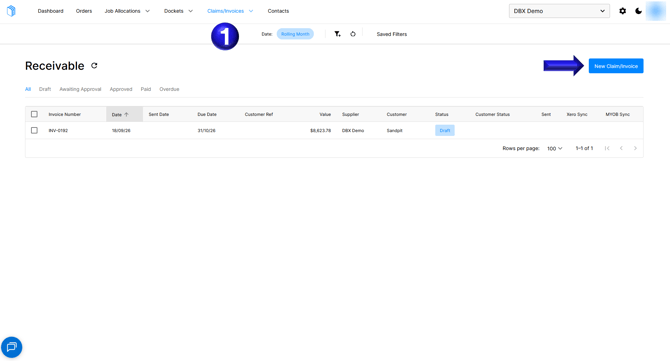
- First navigate to the Claims/Invoices section, and select the New Claim/Invoice option to begin creating a Credit Note
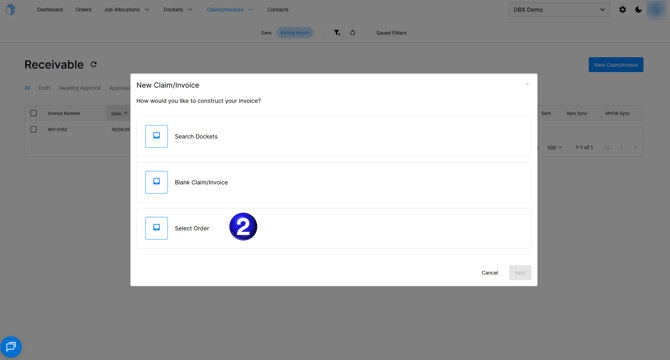
- Use the option Select Order to construct your Credit Note against a particular Order
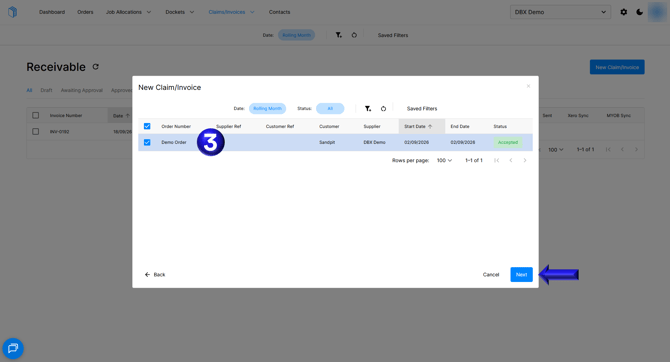
- Select the correct Order and then select Next
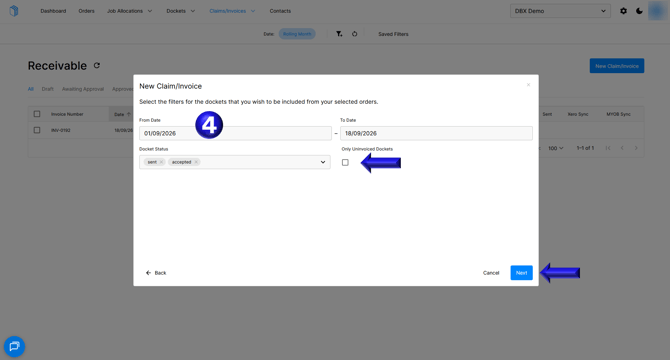
- You will then want to select a date range that encompasses all the dockets that need to be accounted for in the Credit Note, additionally you will need to select Only Uninvoiced Dockets as these Dockets for the Credit Note will have already been captured in a previous Invoice that this Credit Note is being raised against.
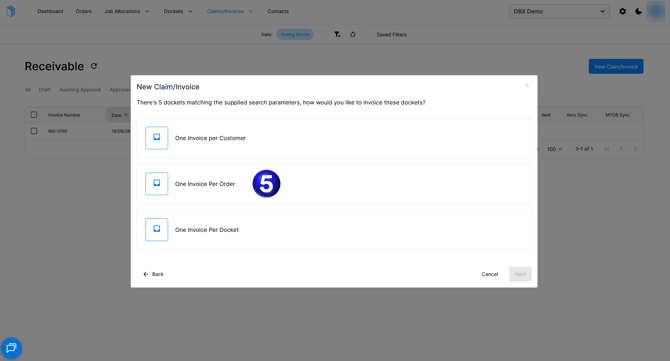
- Then choose to create your Credit Note from the same option as the Original Invoice - in this case One Invoice Per Order
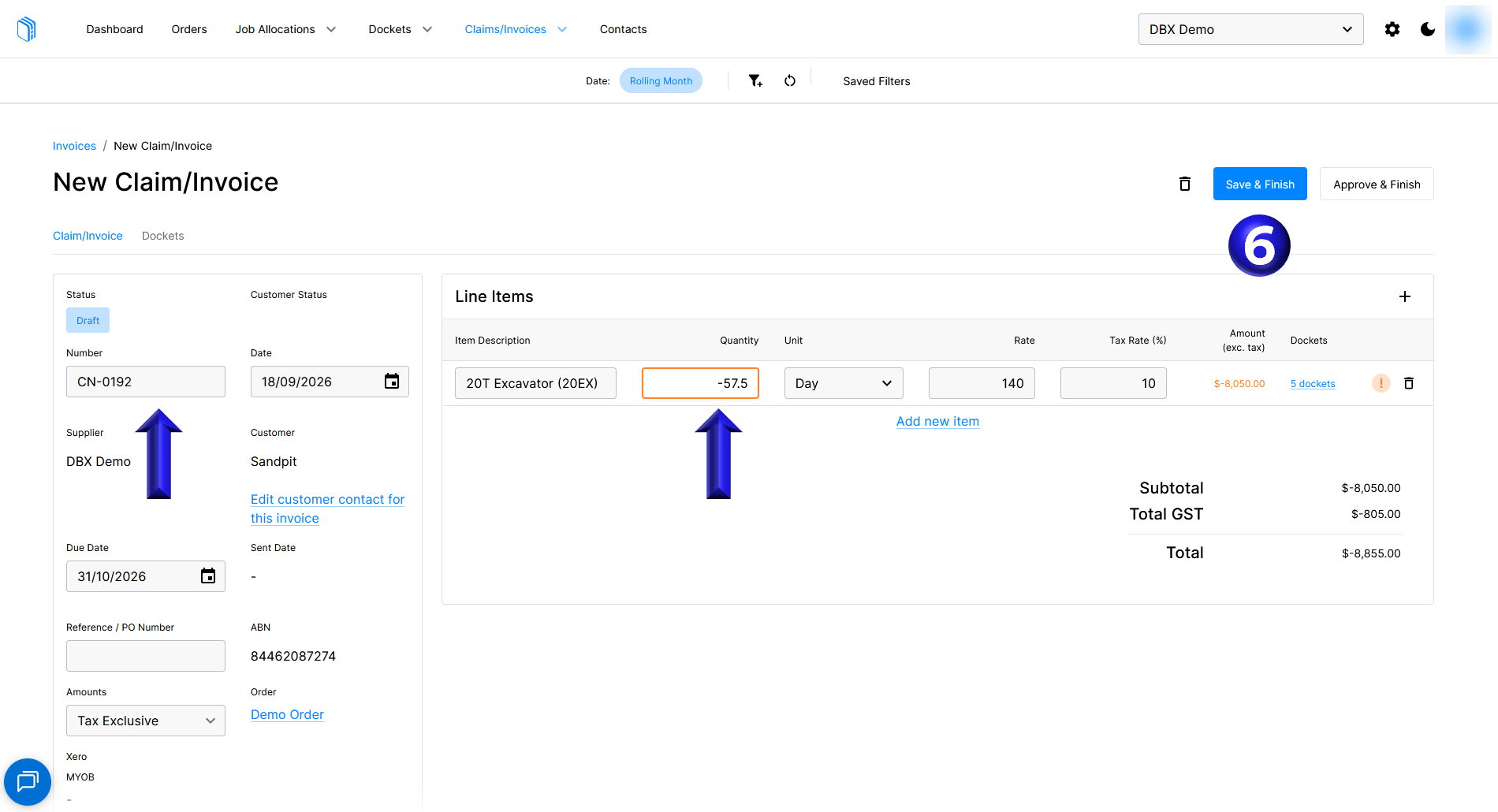
- You will then be given a draft Invoice that you will want to rename to CN-# to match against the Invoice the Credit Note is being raised against, as well as insert a negative symbol in front of the Quantity field(s) and then Save & Finish.
- You can then follow the original process for completing and sending an Invoice by using Submit for Approval, Approve, and then Send the Credit Note to the customer.