![Docketbook-logos_reverse-horizontal.png]](https://help.docketbook.com.au/hs-fs/hubfs/Docketbook-logos_reverse-horizontal.png?height=40&name=Docketbook-logos_reverse-horizontal.png)
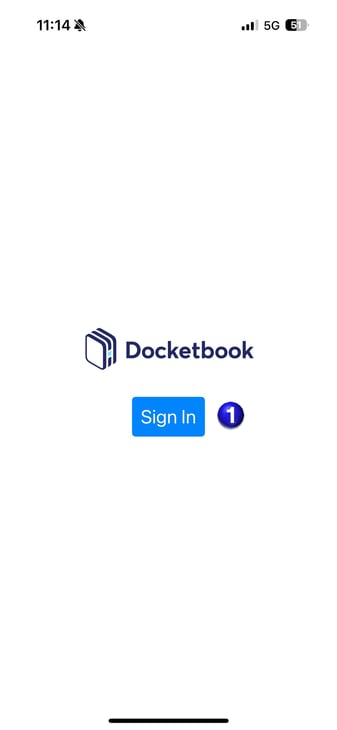
1. When you open the Docketbook App, you can select Sign In
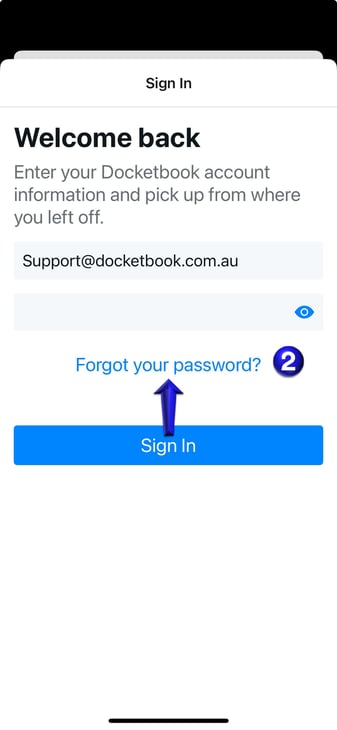
2. You will then be able to select "Forgot Password"
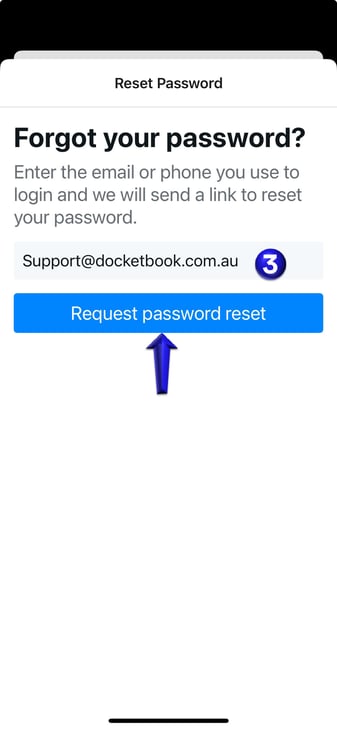
3. You will then be prompted to enter your Username either your email address or mobile number then select "Request Password Reset"
If you need further help, please contact support@docketbook.com.au