![Docketbook-logos_reverse-horizontal.png]](https://help.docketbook.com.au/hs-fs/hubfs/Docketbook-logos_reverse-horizontal.png?height=40&name=Docketbook-logos_reverse-horizontal.png)
Note: To be able to restore a deleted Docket, you need to have Administrator or Super User Access. For more information on user roles, click here.
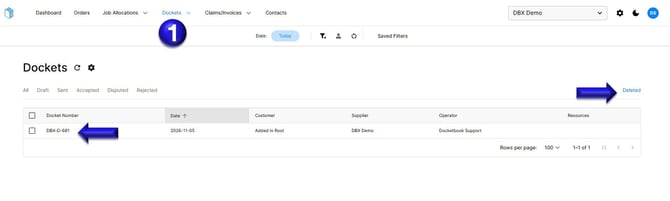
1. From inside the Dockets tab, select Deleted on the far right hand corner of the screen. You can then view the deleted Dockets and select the Docket you want to restore.
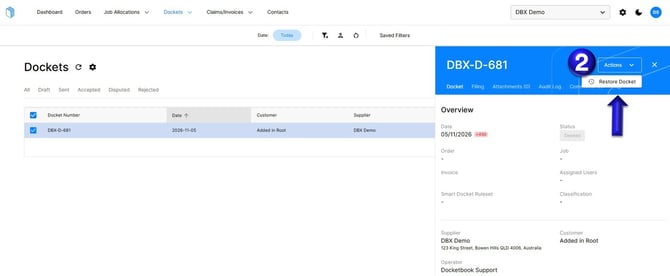
2. Once selected, the deleted Docket will open, you will then be able to click Actions and select Restore Docket
If you have any further questions or need any help, please contact support@docketbook.com.au