![Docketbook-logos_reverse-horizontal.png]](https://help.docketbook.com.au/hs-fs/hubfs/Docketbook-logos_reverse-horizontal.png?height=40&name=Docketbook-logos_reverse-horizontal.png)
This feature is included in the Site Manager experience. If you require assistance with setup for your organisation, please contact your Account Manager or reach out to Docketbook Support at support@docketbook.com.au for guidance.
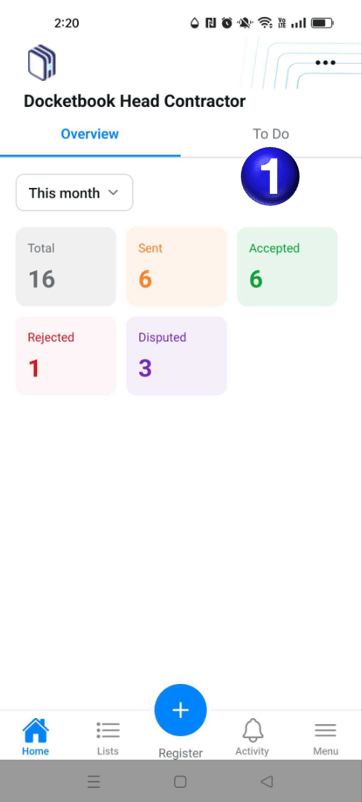
- When you open the app you will land on the Overview tab where you can then select the option To Do to proceed with Accepting & Filing multiple dockets
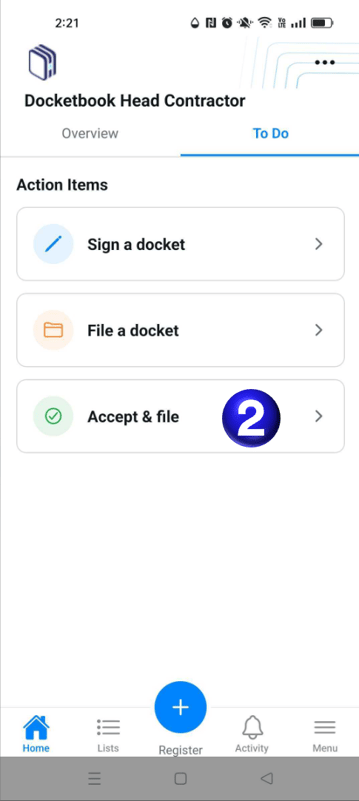
- This will then present you with the options to Sign a docket, File a docket, and Accept & file
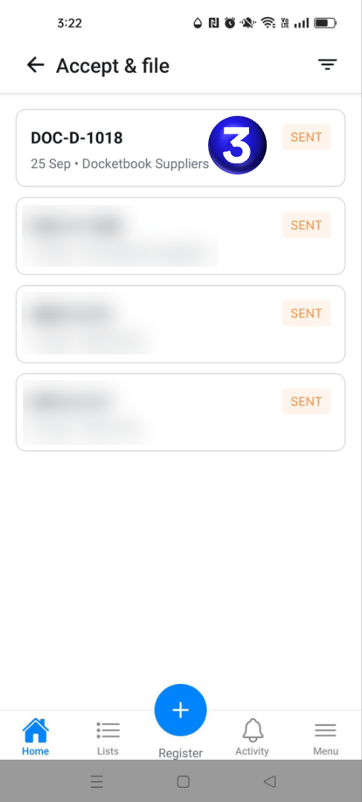
- You will then be presented with a list of dockets and selecting a docket will open up the review page
- Here you can now efficiently review and then Accept & file dockets
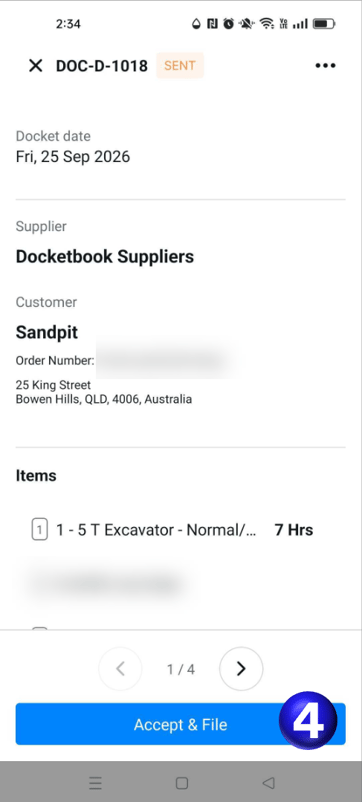
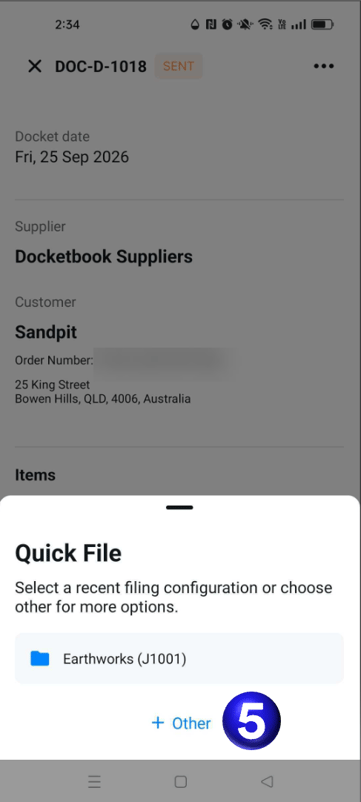
- You are then presented with the option to quick file upon a frequently used file code or select Other to search for the appropriate file code.
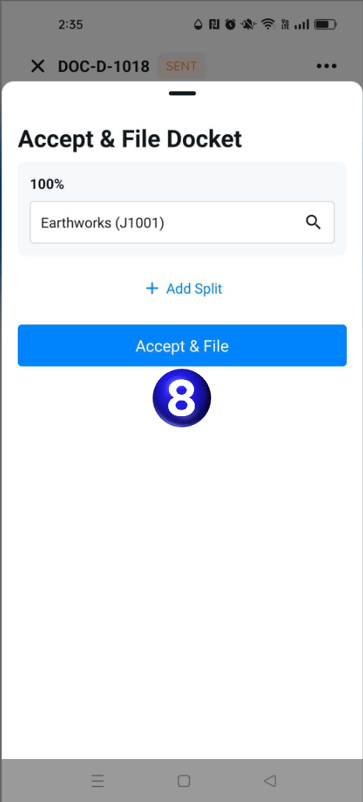
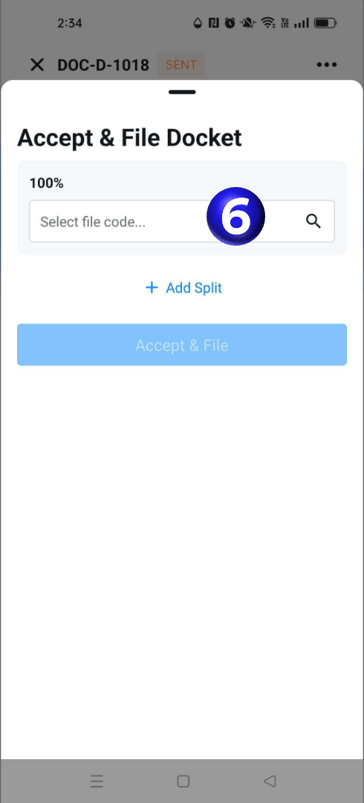
- You can select the search box to filter for the appropriate file code and also split the filing between multiple codes if necessary
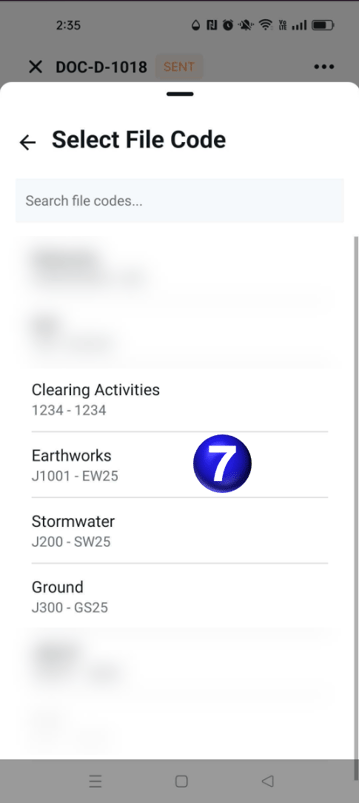
- You can then select the File Code to match the filing
- You can then select Accept & File to finish accepting and filing the docket ready to action the next docket