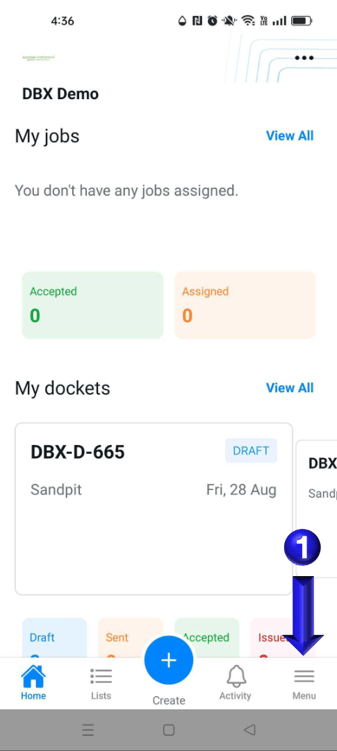
- You can select the Menu option on the home screen of the app
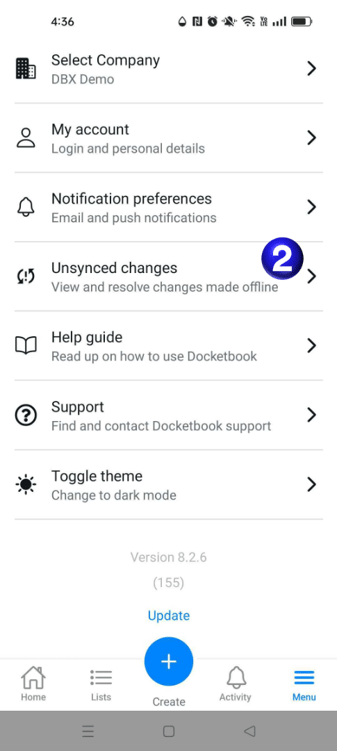
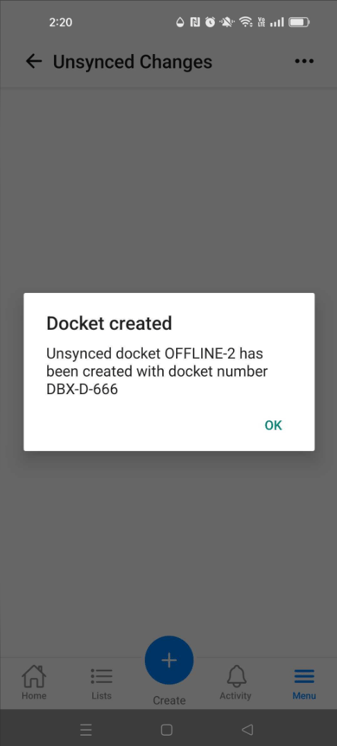
- You will then be able to select the Unsynced changes option to take you to the section for viewing and resolving changes made when offline.
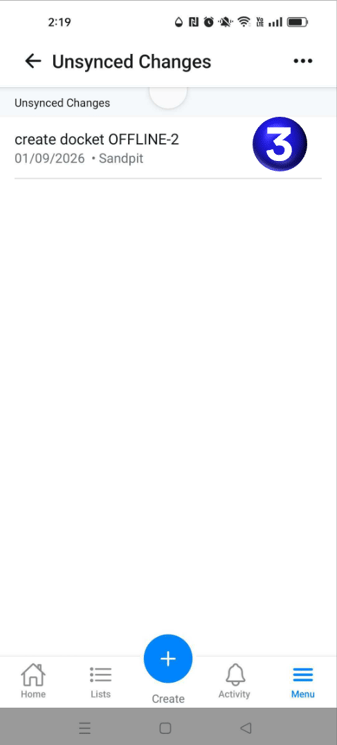
- From here you can view and select the changes that need resolving
- Once selected it will provide the options to Sync or Discard Changes
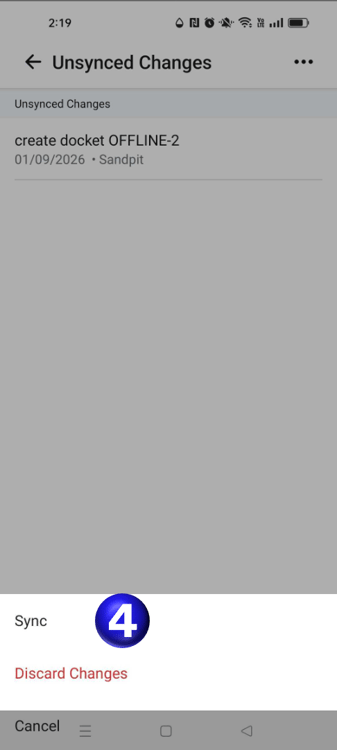
- Selecting Sync will then proceed to sync the docket to the system either creating the docket or updating a docket
English
![Docketbook-logos_reverse-horizontal.png]](https://help.docketbook.com.au/hs-fs/hubfs/Docketbook-logos_reverse-horizontal.png?height=40&name=Docketbook-logos_reverse-horizontal.png)