![Docketbook-logos_reverse-horizontal.png]](https://help.docketbook.com.au/hs-fs/hubfs/Docketbook-logos_reverse-horizontal.png?height=40&name=Docketbook-logos_reverse-horizontal.png)
To update an Order Number the Order will need to be in 'draft' status. You can re-draft an Order you have created by selecting re-draft however if it has been accepted by the Supplier or Customer you will need to close the Order first to re-draft it into 'draft' status.
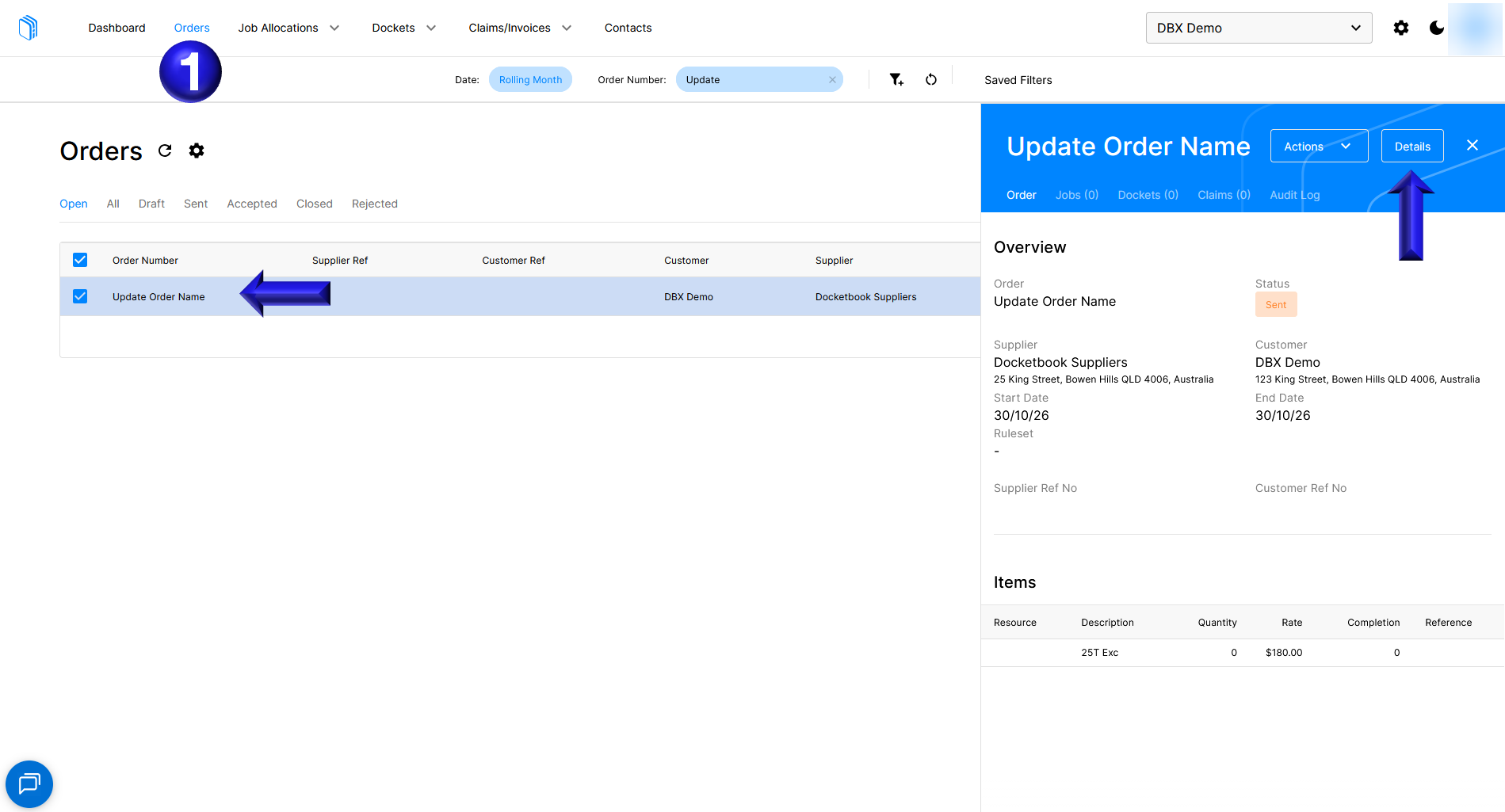
- To update the Order number on an Order you will first need open the Order in Details
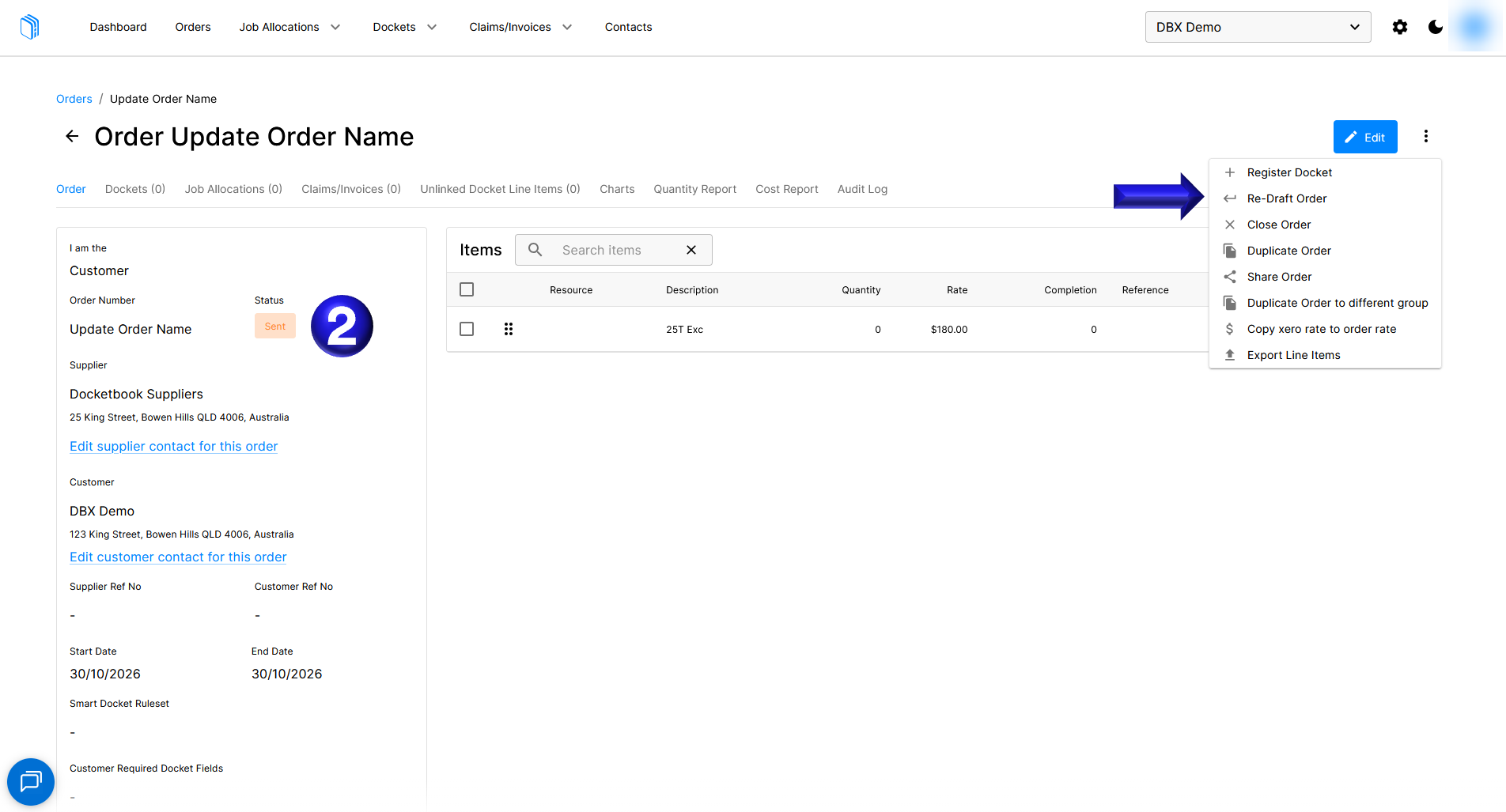
- If the Order is in 'sent' status you will first need to Re-Draft Order to be able to update the Order number
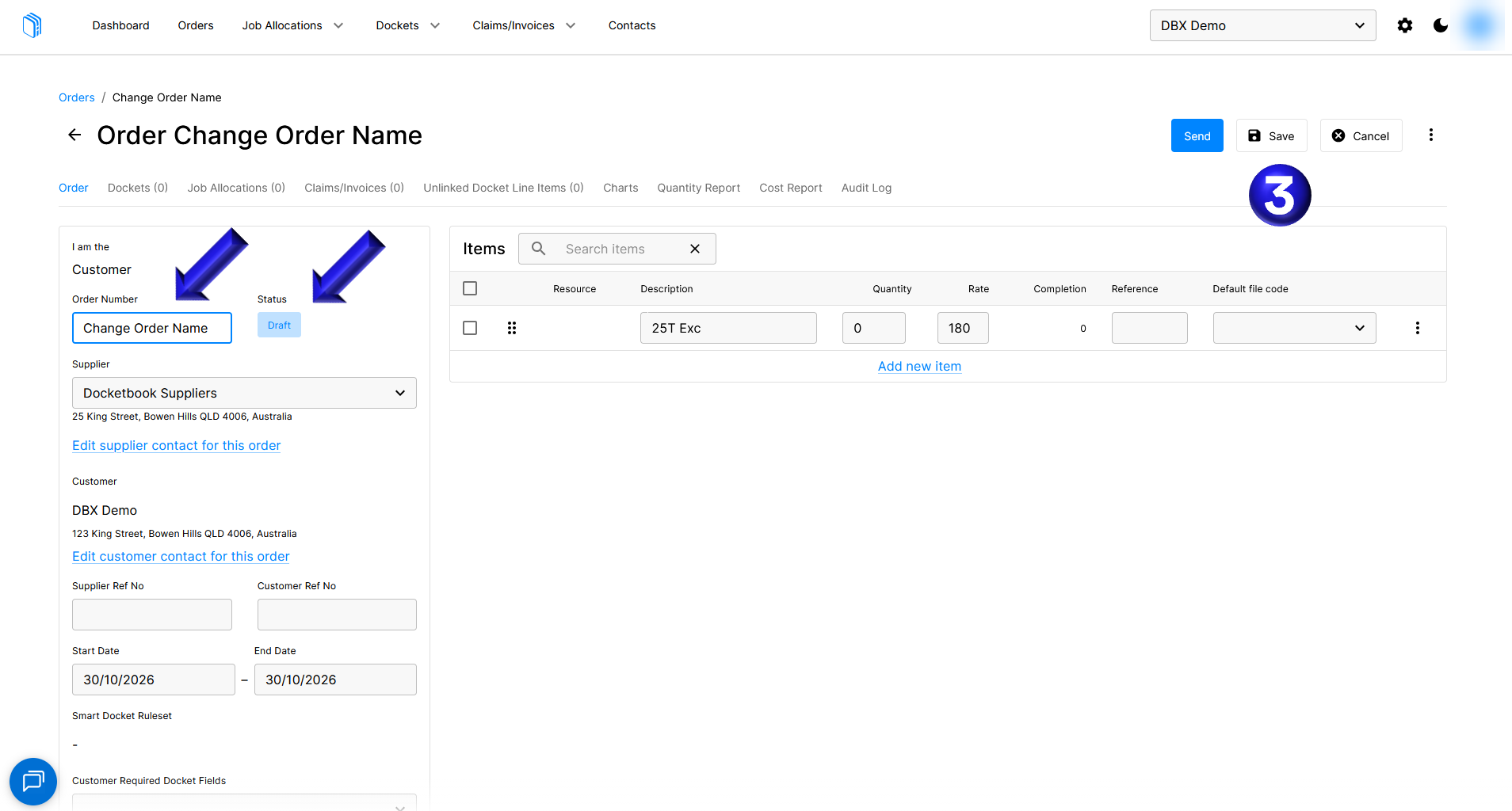
- Once the Order is in Draft status you can update the Order Number to a new name and select Save
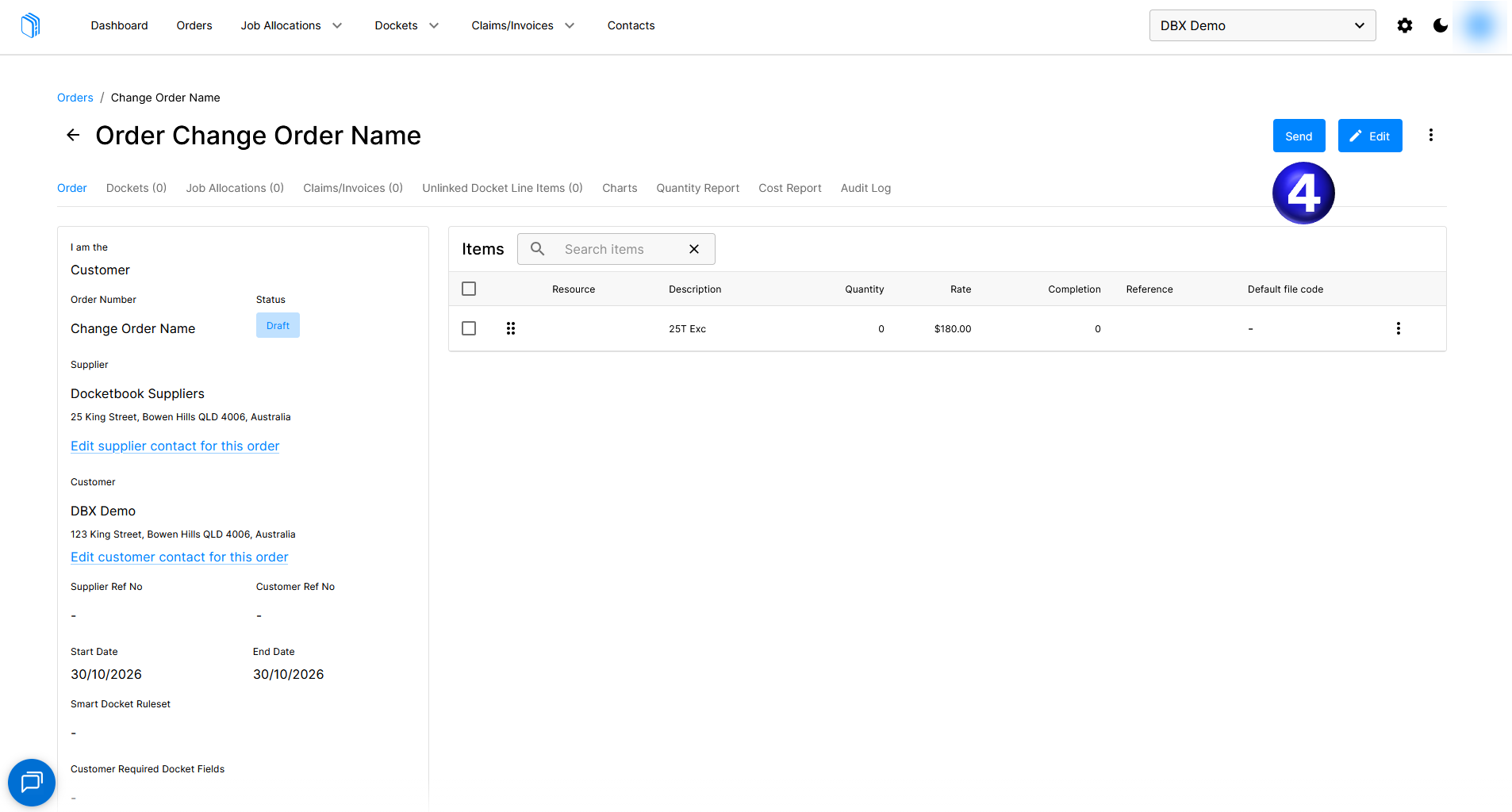
- After you have updated the Order Number you can now Send the Order again so that the Supplier or Customer can receive the updated Order
If you need further help, please contact support@docketbook.com.au