![Docketbook-logos_reverse-horizontal.png]](https://help.docketbook.com.au/hs-fs/hubfs/Docketbook-logos_reverse-horizontal.png?height=40&name=Docketbook-logos_reverse-horizontal.png)
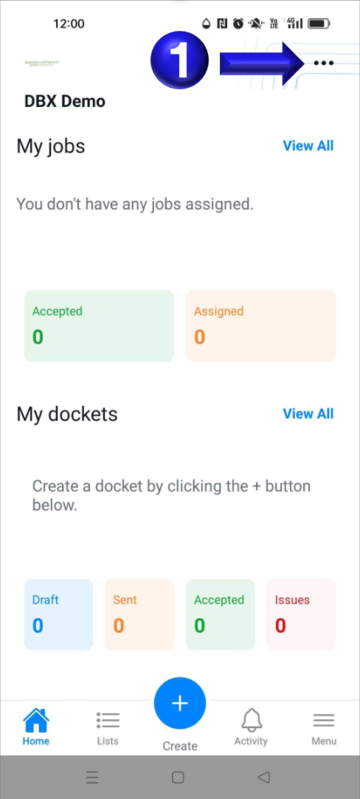
- Open the Docketbook app to the home screen and select the ... context menu in the top right corner
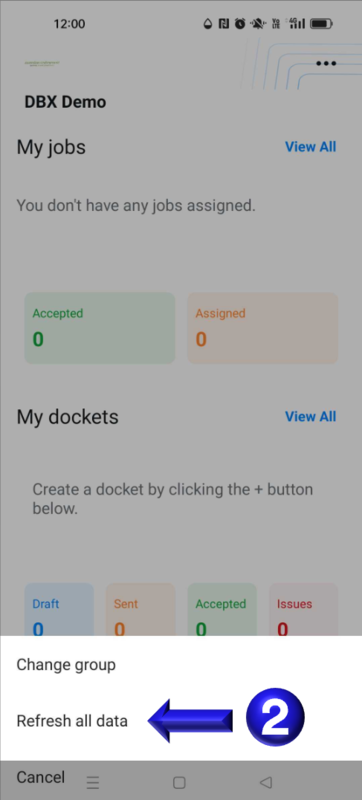
- Then select the Refresh all data option to pull fresh data from the Docketbook servers
If you need any further help, please contact support@docketbook.com.au